Browsing resources
Listings for built-in kinds and custom resources, rendered from the server's own printer columns, paged and watched.
- Dedicated views for nodes, namespaces and pods, with search and paging
- Workloads, networking, config and storage — deployments, statefulsets, daemonsets, replicasets, jobs, cronjobs, services, ingresses, network policies, config maps, secrets, service accounts and persistent volume claims
- Custom resources, resolved through API discovery and rendered with the printer columns declared in the CRD
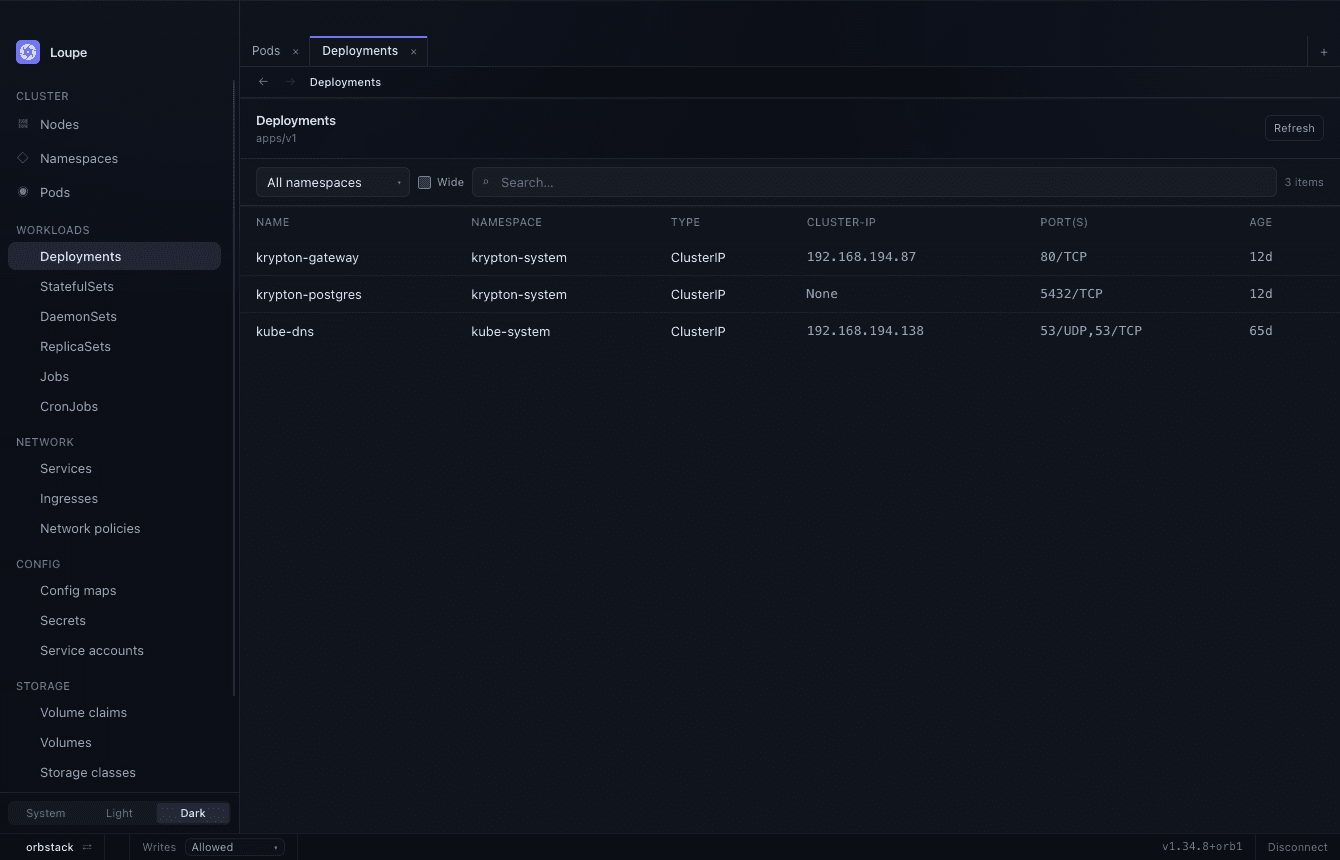
Columns from the server
Lists are requested in the API server's Table form, so each kind
shows the rows and printer columns kubectl get would print — the
columns its authors chose, not ones compiled into Loupe.
Sorting
Columns sort in the units they are actually in: ages sort as durations,
ready counts as fractions, restarts as numbers — so 10m sorts before
2d, and pod-2 before pod-10. A sort over a partly loaded listing
says so rather than implying it covered the cluster.
Paging and freshness
A page is fetched at a time, so time to first row follows the page size rather than the size of the cluster. Listings are kept current by a watch rather than a timer: a crashing pod changes state on screen without a refresh, and on a busy cluster a burst of changes waits for the fetch already in flight instead of cancelling it.
Namespaces
Each listing has its own namespace filter, and it rides with the tab — two tabs on the same kind can be scoped to different namespaces, and drilling into a row and coming back keeps the filter as you left it.
Related objects
An object's Related tab lists everything it connects to, each one a click away:
| Section | Found by |
|---|---|
| Owned by | Walking up ownerReferences |
| Owns | Objects created by this one |
| Selected by | Their selector matches this object's labels |
| Selects | This object's selector matches them |
| Routes | Ingress rules either side of this object |
| Uses | Named in this object's own spec — ConfigMaps, Secrets, claims |
Tracing ingress → service → pods → config is several
kubectl get -o yaml calls and some manual selector matching; here it
is one click each. Every hop is a step in the tab's
history, so it can be undone.